We’ve put together this complete library of our furniture in native Autodesk® Revit® format for architects and interior designers. Community Playthings has provided furniture layouts for over 3,000 primary and early years settings, and based on this experience and knowledge of our own products, we can provide furniture layouts as a template for your own room design. This service is free, please contact us for details.
2D and 3D AutoCAD® blocks are in 2021 DWG format.
Revit models are in 2017 or 2019 format.
Indoor libraries for download:


Outdoor libraries for download:
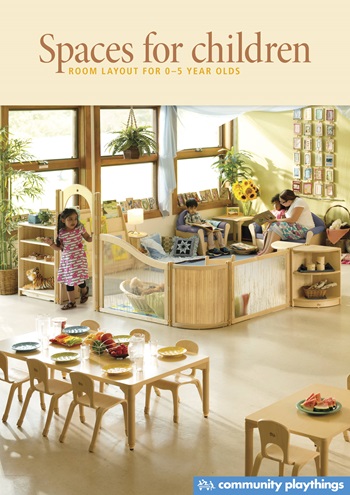
Tell us about your project
We’ve already helped more than a thousand schools and early years settings to create high-quality spaces, and we’d love to help you too. If you are refurbishing, or working on a new-build, then our free room layout service can help you bring into being the best environment for your children.